.svg)
Welcome to ScamRanger
Scam Ranger is an online tool to help you spot and avoid scams through warnings and guidance. It’s free to use for up to 12 months.
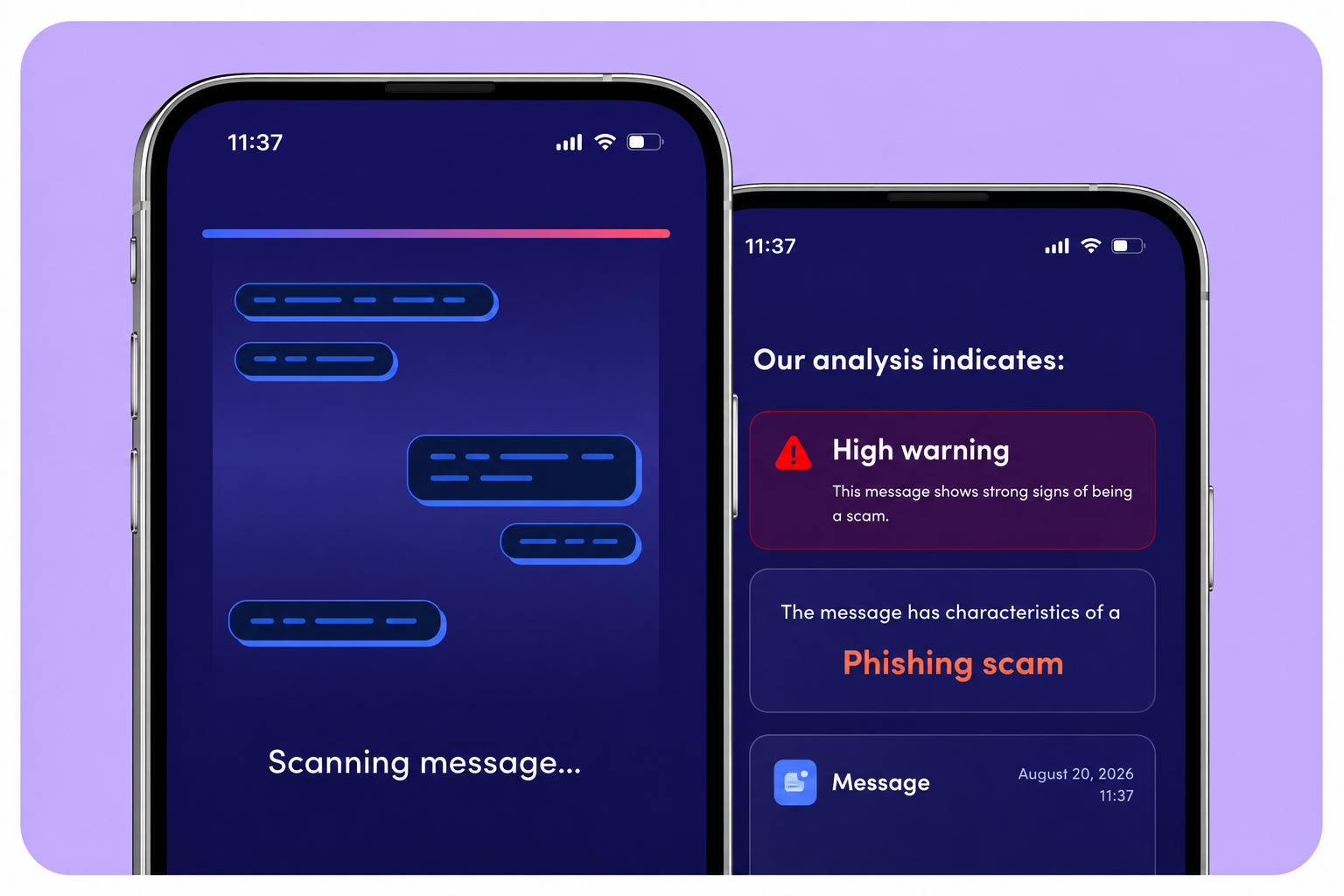
Help spotting scams. Let ScamRanger automatically check texts from unknown senders. Or send in suspicious messages, emails and screenshots.
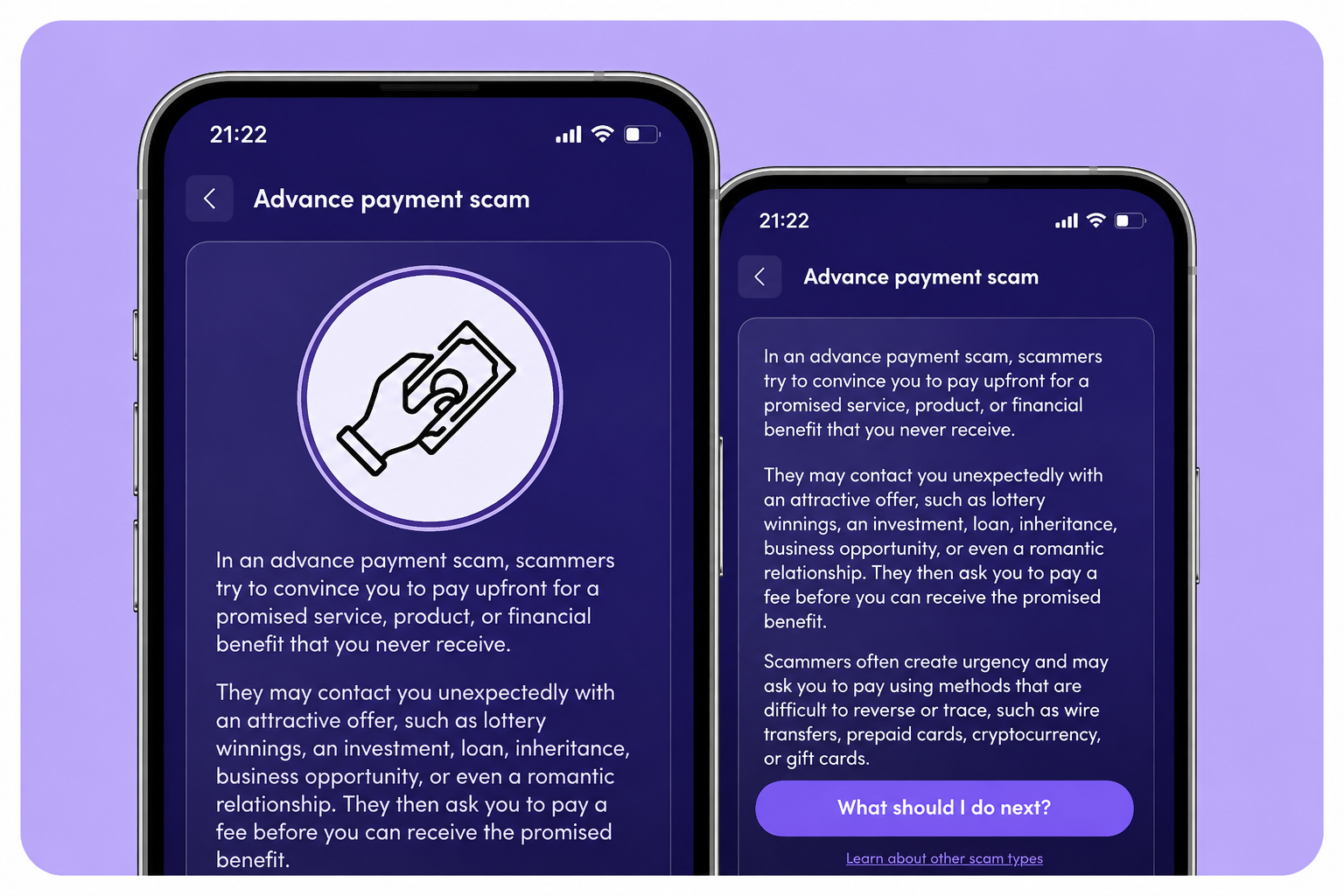
Learn about scams. When ScamRanger spots a scam, it tell you how it works and what to do to avoid it.
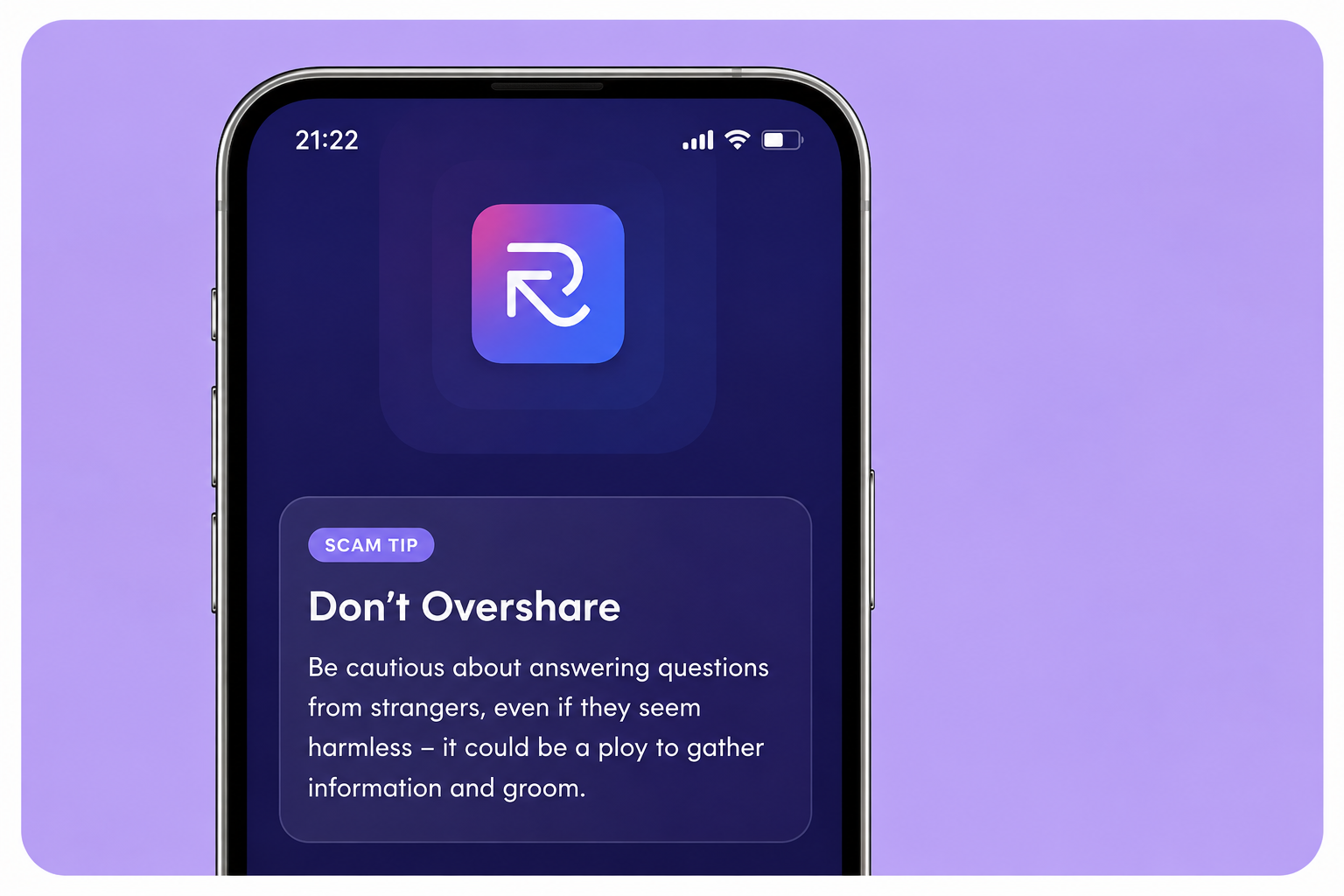
Protect your money, identity and peace of mind. Get clear, easy-to-follow tips that help you stop and think before reacting to a scam.
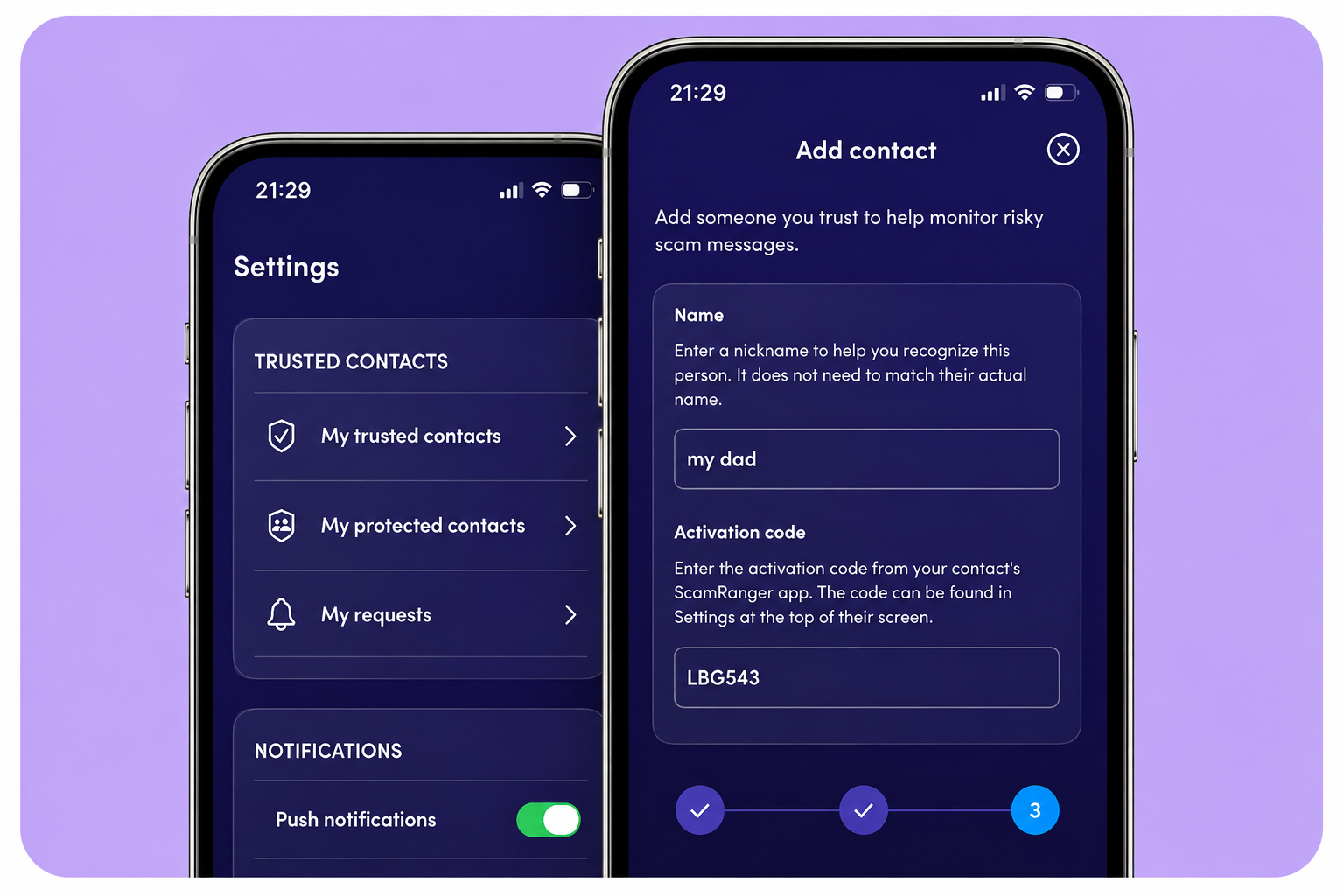
Help others avoid scams. You can protect the people you love with ScamRanger’s Trusted Contacts. If a scam targets them, you'll get an alert.
Get started with ScamRanger today
Getting started takes just a few minutes. Follow these four simple steps to begin checking suspicious messages and building your scam resilience.
.png)
Download ScamRanger from the App Store or Google Play using the QR code or link.

.png)
Open the app and select "I have a code." Then enter your activation code:

.png)
To get the most from ScamRanger, we recommend enabling these features.
- Message scanning - Helps flag suspicious messages from unknown contacts.
- Contacts access - Only scans messages from people you don’t know.
- Notifications - Keeps you updated with alerts and helpful daily tips.
- Gallery access - Lets you upload screenshots or photos of messages to check.
You're always in control and can change your permissions at any time.
.png)
You’re ready to start using Scam Ranger to:
- Check any suspicious messages.
- Learn how to spot and avoid scams.
- Build your confidence with daily tips and insights.
Share ScamRanger with someone you care about.
Get the most out of ScamRanger
ScamRanger can spot scams and help you to avoid them. But it can’t detect every scam as it only uses the information you send.
It may miss some scam messages or flag genuine messages. If you spot a scam we’ve missed, we would love to hear about it by email, in the app or website form.
ScamRanger supports you, but you need to use your own judgement before acting . You can get more scam guidance from Stop! Think Fraud.
Scanning Tips
To get the best results, download the app and allow all the permissions.
If you don’t want the app, add RangersAI to your WhatsApp contacts and forward or upload your messages there +44 7727264705. Your messages won’t be scanned automatically.
Always send a full message when possible. Don’t include logos, branding or any personal details.
Viewing results
You can always go view the messages you’ve sent and the next steps in the app and on your Whatsapp thread.
Apple users: remember to check your spam folder for any automatically scanned messages as they will be sent there. We point you to that folder from the app and will also send you reminders to check it.
Help center
Everything you need to set up ScamRanger, use its features, and get the most out of the app.
.png)
Everything you need to get ScamRanger running with the best protection and guidance on Android.
.png)
Step-by-step guides to help you install the app, enable recommended permissions, and use ScamRanger on iOS.
.png)
Quick answers about subscriptions, privacy, permissions, scam detection, and using ScamRanger.
Can’t find what you need? Contact us
Additional resources
They can give you tips on how to protect yourself and support on what to do if you’ve been a victim of fraud.
You can report a crime or get general advice from Report Fraud. They help banks and other companies combat fraud.
They offer advice on how to keep yourself and your devices safe from fraud.
CIFAS can help to protect your identity. They can stop fraudsters from using your details to apply for things in your name.
This is a government site that gives advice on how to stay safe online.
This is part of the FCA site. You can use it to check on an investment or pension deals to help you avoid scams.
Lloyds Bank does not control the content of third party websites linked to on this page.
How we use and share your data
- Messages and screenshots - We check what you send in to help you avoid scams. We don’t store what you send in or sell or share it with other companies.
- Personal data - We don’t collect personal data. When you send in messages or screenshots, you shouldn’t include any personal details.
- Sharing data - We only share data when necessary to provide our services, including:
- With companies, partners and service providers who support our website, app, WhatsApp channel and cloud hosting
- With regulators, courts, banks or authorities if required by law. Service providers have to protect your data and can only use it to deliver the services we need.
- Training AI models - Scam Ranger uses AI to identify patterns commonly seen in scams. However, the AI does not store or learn from your personal messages, helping to protect your privacy.